What makes someone stop and choose your business over others?
Whether you're sharing your latest project, promoting a new offer, or capturing leads, the Highlight Section helps you stand out instantly.
Your Appsha profile is your digital identity. And now, with the new Highlight Section, you can grab attention the moment someone visits your page.
How? Let's find out through this blog.
What is the Highlight Section?
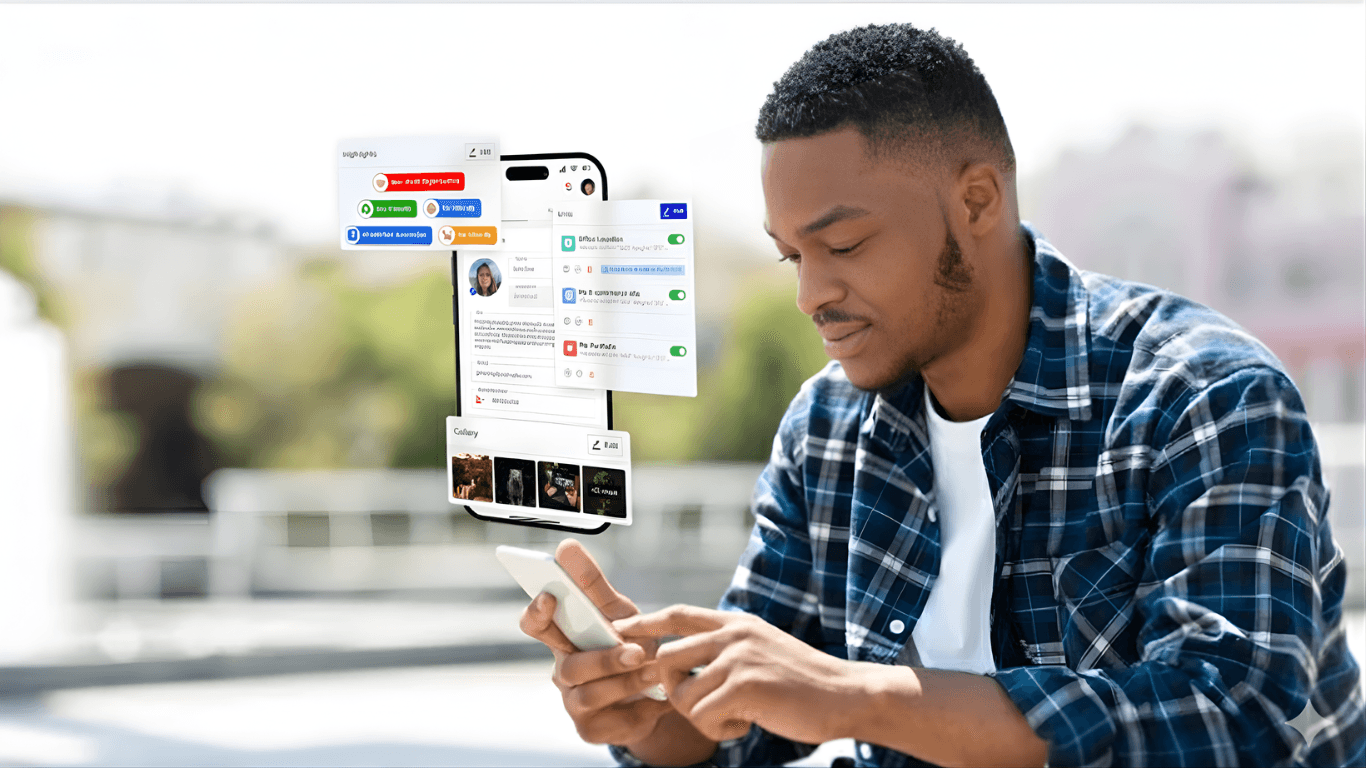
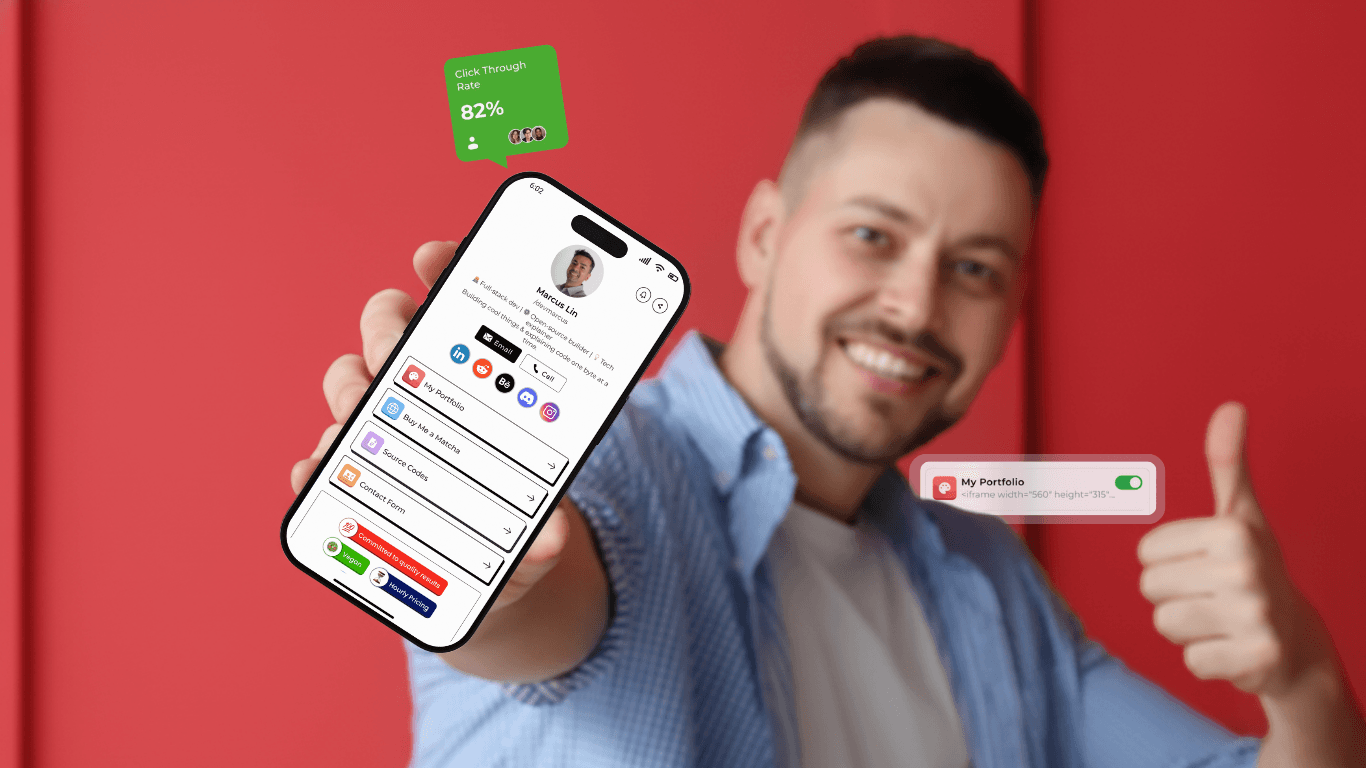
The Highlight Section lets you showcase the most important context in your Appsha profile, which is the first thing that people are going to notice.
These are the quick, confidence-boosting tags (like Certified Professional or Women-Owned) that now appear front-and-center on your Appsha portfolio. They give visitors a feel for who you are and what you offer, even before they scroll.
For instance, if you run a restaurant that offers discounts every weekend, then you can highlight that offer and let people know about it with the highlight section.
Why Highlight Section Matters?
Most of your audience’s attention span is short. So when a potential client visits your profile, they are just going to scan and decide. “Is this the right person or business for me?”
Here’s how the highlight section delivers impact:
Build trust at a glance: Signals like Fixed Pricing or On-Time Commitment show you’re reliable. This allows you to show your key message to your visitors right away.
Show your values: Tags like LGBTQ+ Friendly, Eco-Friendly, or Family Owned help people connect with your brand in a more personal way.
Make decisions easier: Available by Appointment or 24/7 Service tells people how and when they can work with you.
Stand out from the competition: Most portfolios of your competitors look the same. Highlights help you showcase what makes you different, instantly.
Always Relevant: You can easily switch out highlights to match your latest offer or campaign.
With Highlights, you can make your profile feel more professional and client-ready at a glance.
How to Add Highlights to Your Appsha Profile?
It only takes a few seconds of your time to place a highlight in your Appsha profile.
- Log in to your Appsha account.
- Go to your profile.
- Scroll down to “Highlight Section” and click edit.
- Select the tags that apply to your business
- Hit Save, and they’ll instantly appear on your public profile
Pro Tip: Rotate your highlights according to your requirements to keep things fresh and timely for your visitors.
Types of Highlights You Can Add
Here’s a look at some of the highlights you can enable in your Appsha profile for now. These are some examples of how you can group them by what they help communicate:
✅ Professional Trust Signals
- Certified Professionals
- Committed to Quality Results
- Committed to Repairs
- Fixed Pricing
- On-Time Commitment
- Emergency Services
🌱 Brand Values & Identity
- Family Owned
- Women Owned
- LGBTQ+
- Vegan
- Eco-Friendly
- Non-Profit Organization
- Local Business
- No Smoking
- Luxury Brand
🙌 Client-Friendly Perks
- Free Wifi
- Kid Friendly
- Pet Friendly
- Wheelchair Accessible
- Parking
📅 Availability & Booking Style
- 24/7 Available
- Available by Appointment
- Hourly Pricing
- Discount Available
How to Choose the Right Highlights?
Don’t just tick every box with choosing the highlights. The goal of placing the Highlight Section isn’t to say everything; it’s to say the right things. Your highlights should give potential clients a quick, honest sense of what your brand stands for and what it’s like to work with you.
Here are some simple but effective tips for picking the right ones:
1. Think like your customer
Put yourself in your customer's shoes. What would they be looking for when browsing your portfolio? If you’re a family photographer, maybe Kid Friendly and Family Owned matter most.
If you’re a consultant, Certified Professional, and Available by Appointment might carry more weight. Choose what builds instant trust with your specific audience.
2. Be honest with yourself
Only choose highlights that are actually true for your business. If you don’t offer 24/7 service or fixed pricing, don’t select it. The goal here is to set clear expectations, not just to look good on paper.
3. Keep it clear and focused
Don’t overload your profile with every possible badge. Too many highlights can distract or dilute your message. Instead, pick the one that best represents your brand’s identity at the moment.
4. Align with your brand values
Your highlights are a reflection of what your business stands for. Are you eco-conscious? Select Eco-Friendly. Are you a local, community-driven service? Choose Local Business and Family Owned.
Let your core values come through, they’re part of what makes clients choose you over others.
5. Think about what sets you apart
What do you offer that’s rare or unique in your industry? If you’re a luxury brand, say so.
If you’re Women-Owned or LGBTQ+ Friendly, that matters not just for visibility, but for building genuine trust with like-minded clients. Use highlights to differentiate yourself in meaningful ways.
Start Highlighting What Matters
The Highlight Section is more than just a design feature. It’s a conversion tool that helps your profile speak louder and more clearly to your potential clients.
So if you’re ready to build a portfolio that doesn’t just look good, but actually works for you, then Appsha is here for you.