Whether you are a freelancer, business owner, or professional in any field, you only get a few seconds to make an impression when showcasing your profile.
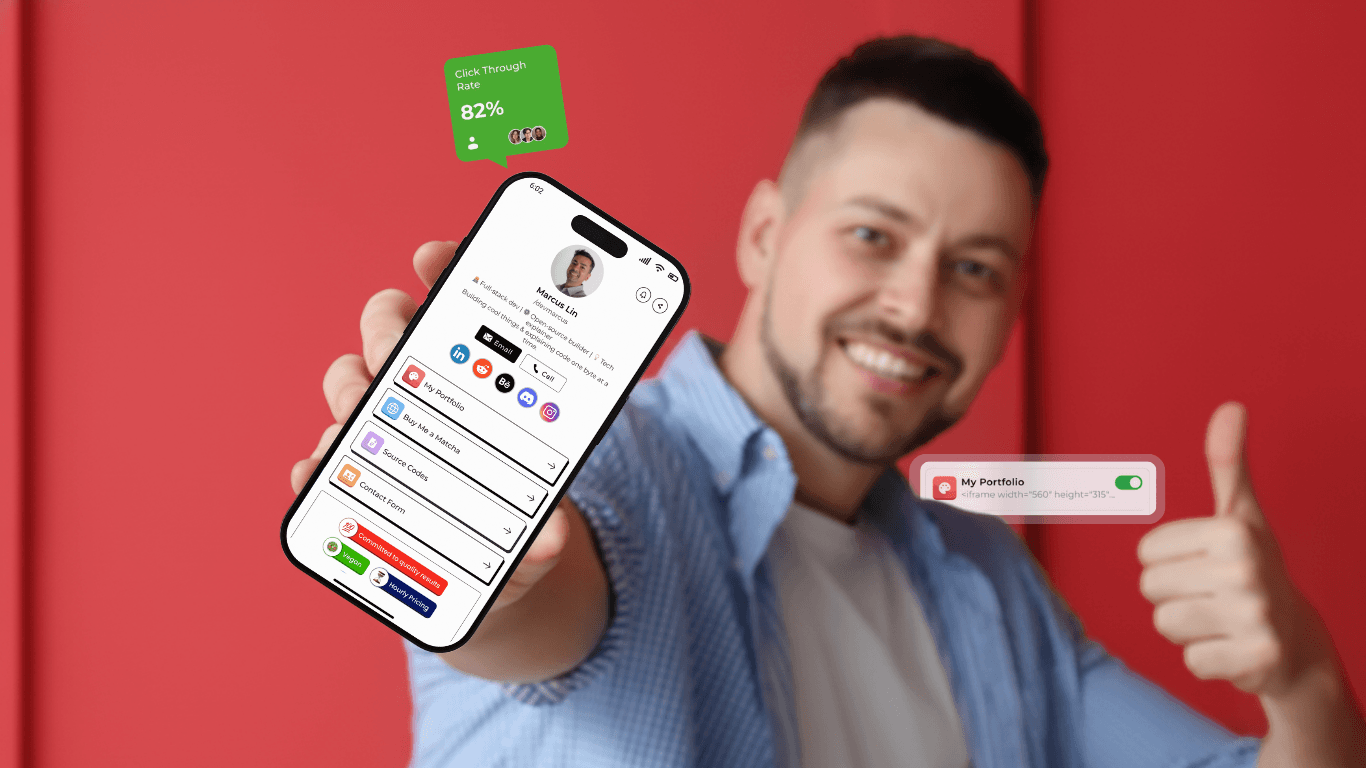
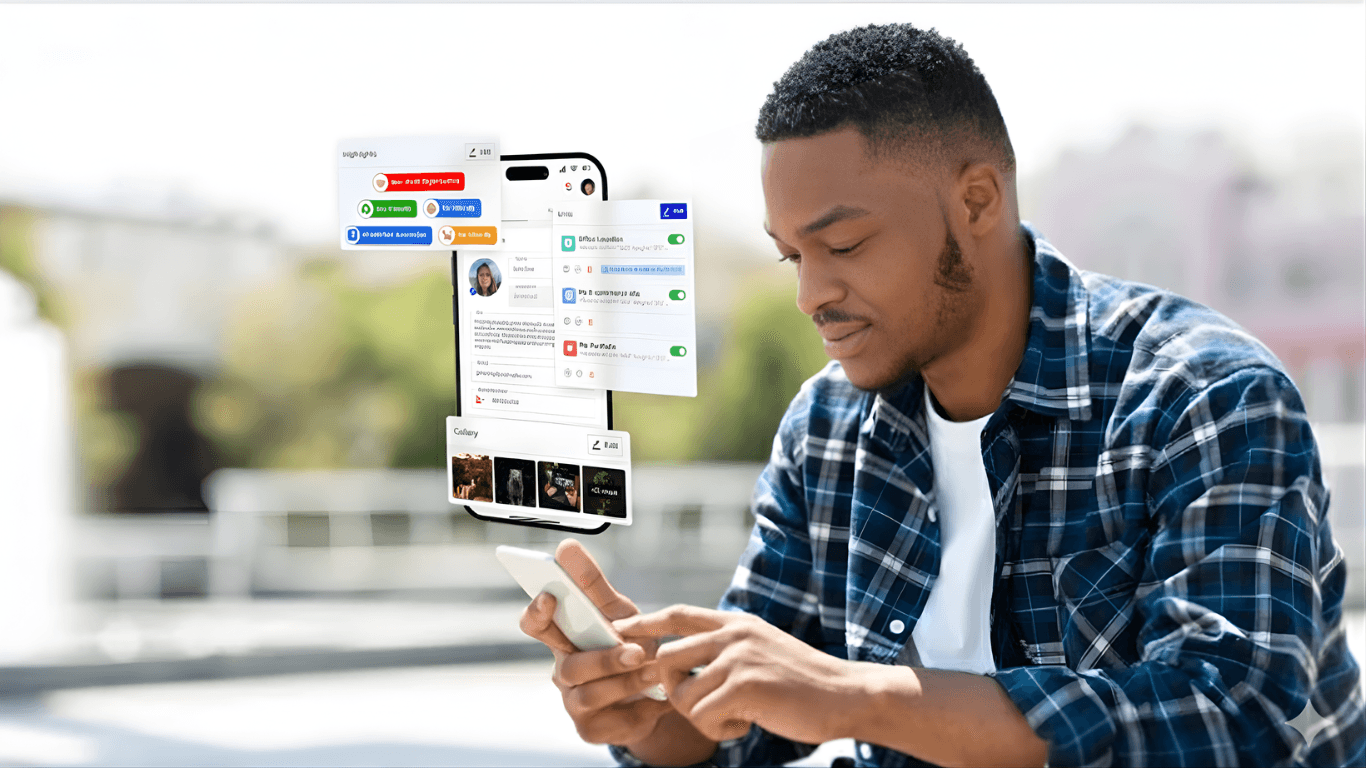
That’s where Appsha comes in. With Appsha, you can create a branded, beautiful, and functional landing page that works as your ultimate link-in bio tool.
In this post, you will master the whole process of crafting your own stunning Appsha profile that doesn’t require you to have any advanced tech skills.
What Is Appsha?
Appsha is a profile-centric link-in-bio tool that lets you organize and showcase all your important links from products to social links on a single, easy-to-access page. It allows you to keep all your essential links connected and presented in a clean, user-friendly way.
Unlike basic link tools, Appsha is designed for more than just redirection. It offers flexible layouts, built-in contact tools, and customization options to match your personal brand.
Whether you need a portfolio, a place to promote offers, or a page for collecting leads, Appsha makes you look professional and helps drive real results.
How to create Appsha profile within a few minutes?
If you wonder "How to Create a Stunning Appsha Profile in 5 Minutes?" then it's a quick and simple process. Just follow the steps given below, and you are good to go:
1. First, go to appsha.com and click ‘Get Started for Free’ to sign up.
2. Fill in your name, email, and password, then click ‘Create Account’.
3. Check your inbox for a verification email. Click the link inside to verify your email and log in.
4. Once you're in, start setting up your profile:
- Add your name, bio, and profile picture
- Add your social media links or any other links related to your work.
- Upload gallery images and choose highlights that represent your work or business.
5. Head to the ‘Appearance’ section to choose pre-designed themes (both Normal and Pro) that fit your brand’s vibe.
6. When everything looks good, just copy your unique Appsha link or QR code and start sharing it with your audience!
Tips to Make Your Appsha Profile Even More Engaging
Your profile is more than just a collection of links. It is a visual pitch for your brand. To make your Appsha profile more stunning, it needs to be more engaging. Here are quick tips to do so.
1. Use Clear, Action-Driven Link Titles
Instead of using generic labels like “Portfolio” or “Website link.” It's better to use short, action-focused phrases that tell people exactly what to do.
- Book a Free 15 Min Call
- Get Your Free Download
- View My Recent Design Work
With short and 🎯 action-driven titles, you can create curiosity, add urgency to increase click-throughs, especially for mobile users whose attention spans are short.
2. Choose a Theme That Matches Your Audience (Not Just Your Taste)
You might want to make your profile layout colorful according to your personal taste. However, it's better to let go of your temptation and think about your audience first.
- If you're a coach or consultant, it’s better to choose a clean and minimal design for a professional look.
- If you’re a creative or artist, a bold or playful theme might help showcase your personality.
- As a brand or service provider, you need to choose a frame that closely aligns with your brand or website design.
💡 With the Appsha theme, you can create consistent visuals for your brand identity helps you build recognition and trust.
3. Use Gallery Images That Build Credibility
Your gallery section is not just for random uploads; it helps you represent your brand aesthetics.
Instead of adding stock images and unaligned visuals, use this space to show:
- Your client's work or product images.
- Testimonials or review screenshots from your product usage.
- “Behind the scenes” snapshots.
- Milestones or event recaps.
Your gallery allows you to showcase your story visually and highlight your credibility. It's easier for people to remember images faster than text.
4. Use Your QR Code Strategically
Appsha gives you a unique QR code linked to your profile. You can share this QR with others for networking.
Here’s how to use it smartly:
- Add it to your business cards.
- Print it on your flyers, posters, or packaging.
- Use it on your event booths or banners
- Include it in presentation slides or digital proposals
🚀 With just a scan, your potential clients or customers can instantly access your full online profile. It’s the easiest way for you to bridge offline to online and boost real-time engagement.
Essential Features That Make Your Profile Stand Out
Contact Forms & Lead Capture: Turn Visitors into Prospects
You can now capture visitor information directly on your profile with Appsha's built-in contact forms instead of using third-party platforms. With Appsha, an integrated CRM, you can organize your leads. Especially if you are a service-based business or a freelancer who needs to follow up with potential leads to convert them into actual business opportunities.
File Attachments: Share Portfolios, Resumes, Price Lists
You can upload and share important document links directly from your profile (portfolios, resumes, price lists, or product catalogs). By doing so, your visitors can download your files instantly without redirects, creating a smoother experience that makes you look more professional and prepared.
Scheduled Links: Time-Sensitive Campaigns and Offers
Appsha allows you to schedule links so that they can appear and disappear automatically based on your timeline. This feature is perfect for flash sales or limited-time offers. You can also set expiration dates for creating urgency and driving immediate action without manually updating your profile.
Highlights Section: Tell Your Story Visually
To showcase your key services or achievements, you can use the Appsha highlight section. As the name suggests, this feature allows you to highlight the most important offering of your business to your visitors. For instance, it can be 24/7 available, LGBTQ, Parking available, and more.
QR Code Integration: Offline-to-Online Networking
With every profile that you create, you can get a unique QR code that works as your business card. When scanned, people can directly access your comprehensive profile, making face-to-face networking more effective and memorable.
Analytics Dashboard: Track What's Working
See which links get the most clicks, when your audience is most active, and track conversion rates from visits to contact form submissions. These built-in insights help you optimize content placement and focus efforts on what actually generates results.
Final Thoughts
If you are still not using an advanced link in bio platform, then you are missing out on a lot. With Appsha, you can turn your digital impression into a professional and polished landing page within a minute.
Whether you're promoting your work, selling your services, or capturing leads, Appsha makes it easy for you to stand out. So, what are you waiting for? Build your Appsha profile today for free and make every click count.